2D Drawing Resources
General
A few simple rules for reliable instant submissions and smooth manufacturing transition.
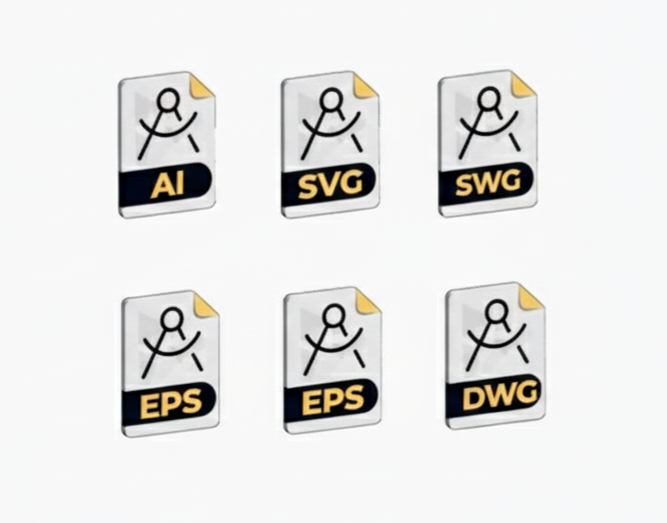
Accepted Formats
Send DXF, DWG or SVG files for direct and fast import.
Minimal Drawing
Single layer, 1:1 scale, lines and closed contours only; no text or dimensions.
Material Compliance
Respect minimum sizes and distances specific to chosen material.
Clear Warnings
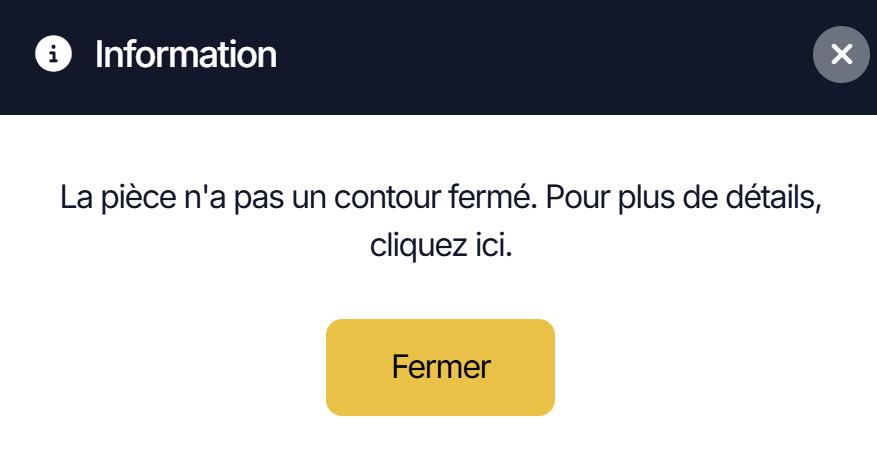
In case of problem, application explains what to correct before submission.
Duplicate Lines
Remove duplicates: avoid double cutting, overheating and costs.
Duplicate Cleanup
Use Overkill/Remove Duplicates to delete double lines.
Shared Edges
Avoid common borders unless shared cut is intended.
Hidden Copies
Check that no geometry is duplicated on hidden layer.
Kerf Clearance
Leave kerf between nested parts, unless shared cut agreement.
Scale and Units
Work 1:1, in mm or inches, and watch out for SVG.

1:1 Scale
Always full size for import without surprises.
Units
mm or inches: auto detection, adjustable if sizes allowed.
SVG and Pixels
Watch for pixel units; convert to real scale.
Min/Max Sizes
Respect our limits for part to be manufacturable.
Holes and Cutouts
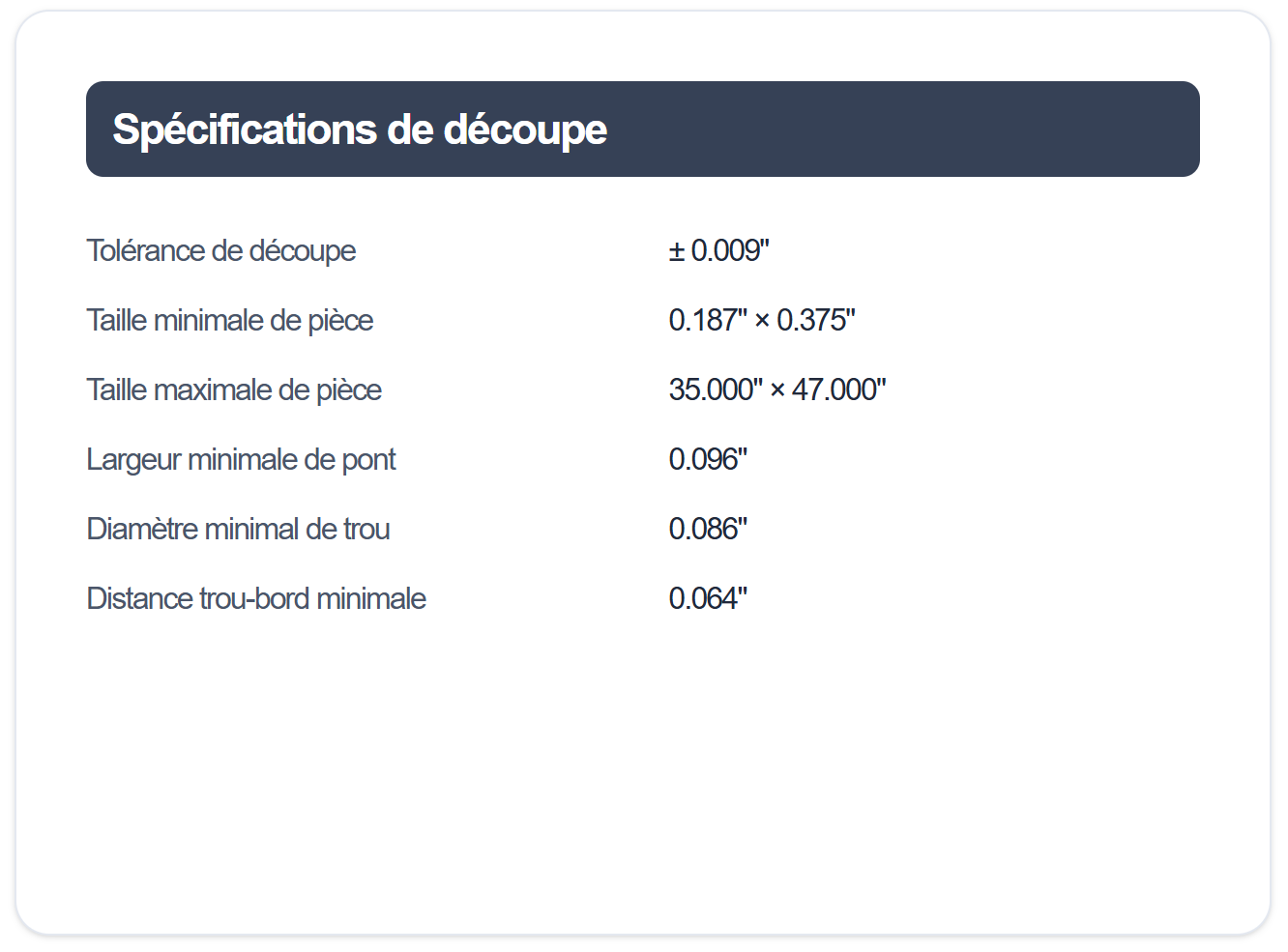
Respect minimum diameters, bridges and distances for clean machining.
Minimum Diameter
Laser: ≥ 50% of thickness. Router: ≥ 0.125".
Minimum Bridges
Respect bridge width per material and gauge.
Key Distances
Hole-to-edge and hole-to-hole: follow specs per material.
Compatibility
Check material pages for limits specific to each.
Bend Lines
Don't add bend lines to cut contours; follow material specs.
Radius & Die
Refer to material pages for minimum radii and die width.
Bend Direction
Indicate direction, flanges and desired relief zones.
Minimum Distances
Respect clearances between holes/hardware/dimples and bend lines.
Technical Folder
Provide bend plan if needed; app doesn't require these lines.
Part Nesting
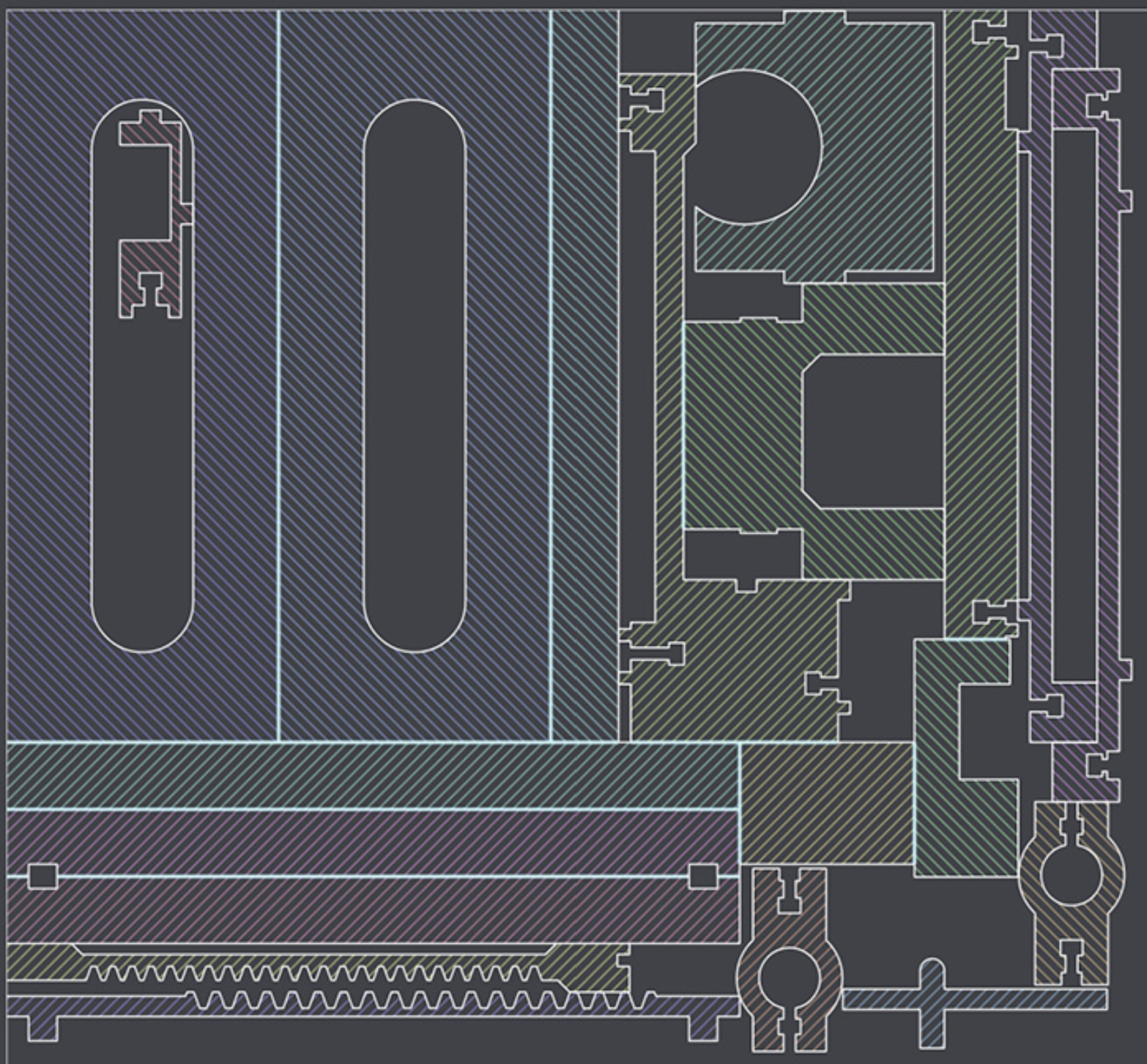
Arrange multiple distinct parts in a single file while respecting separation rules.
Maximum Sizes
Verify nested file respects maximum dimensions for chosen material.
No Shared Cuts
Never share a cut path between two parts. Maintain minimum kerf spacing between each contour. 1/8'' for laser cut parts and 1/4'' for CNC cut parts
Multiple Identical Parts
To order multiple identical copies, upload one part only and adjust quantity in cart.
Additional Restrictions
Don't nest parts requiring bending, tapping, dimpling or hardware. Submit them separately.
Text Objects
Convert fonts to paths, add bridges, and avoid lines too thin.

Convert to Outlines
Explode/Outline: each letter becomes closed geometry.
Retention Bridges
Keep islands (A,O,R) with bridges respecting minimum thickness.
Stroke Thickness
Avoid hairlines; maintain width compatible with material.
Readable Style
Avoid overly decorative fonts prone to breaking during cutting.
Open Contours
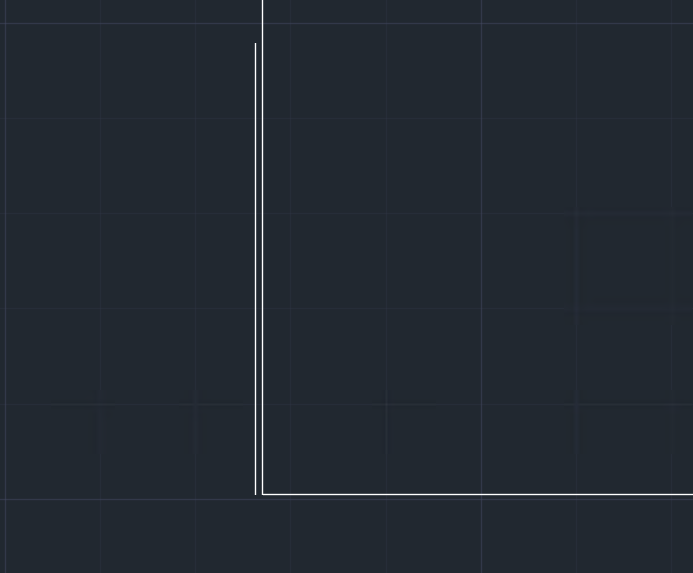
Close all shapes and eliminate intersections to succeed import.
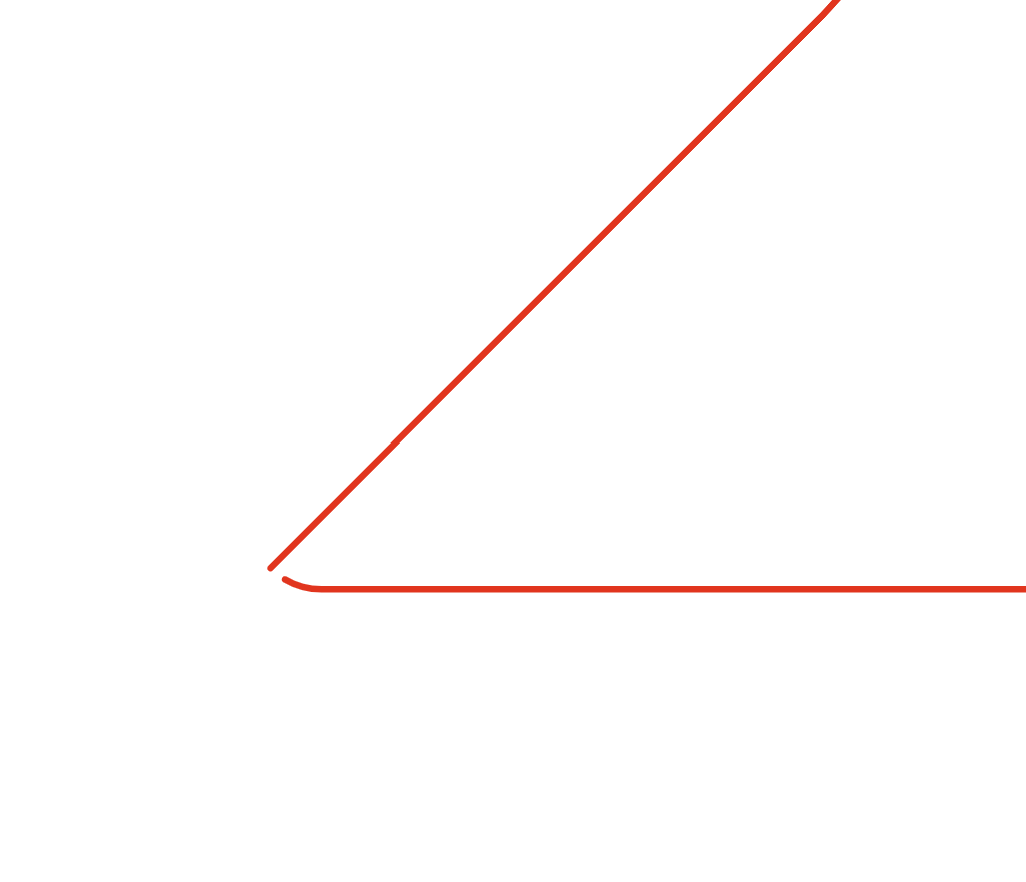
Close Loops
Join ends to get closed contours.
Avoid Intersections
Remove crossings and overlapping entities.
Useful Fillets
Add small radius to soften internal corners if required.
Verification
Switch to wireframe and validate no segment is missing.
Layers
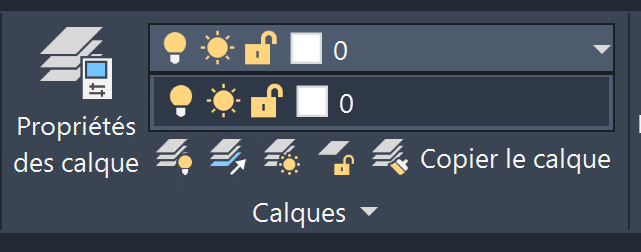
We don't filter by layer: remove everything that's not cutting.
Single Layer
Place only cut lines. Rest complicates import.
Clean Up
Delete dimensions, hatches and blocks. Keep only geometry.
Hidden Layers
Even hidden, we read them: delete if not required.
Clean Export
No locked or invisible elements; flatten if necessary.
SVG Conversion
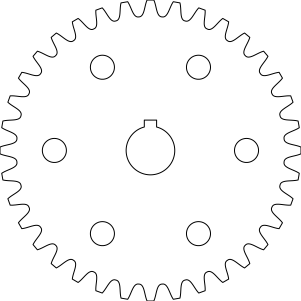
Clean vectorization: convert your images to cut SVG, without texts or effects.
Vectorize Cleanly
Continuous contour, no lost islands, no pixelation.
Import in App
Drag-drop SVG: analysis detects common problems.
Cleanup
Remove unnecessary objects, keep only cut paths.
Visual Check
Zoom, wireframe, and merge nodes to close small gaps.
File Format
DXF, DWG and SVG are supported. For other formats, use our 2D parametric models.
Supported Formats
DXF, DWG, SVG: direct and precise import in app.
Scale Export
Save at 1:1, mm or inches, to avoid surprises.
Single Layer
Clean geometry: no dimensions, no text, no hidden layers.
Export Tips
Prefer lines/arcs, avoid complex splines for clean cutting.
Your part, your choices, your price.
Configure one part or a series. See your price and lead time before ordering.
No account needed for pricing · Free shipping from $49